

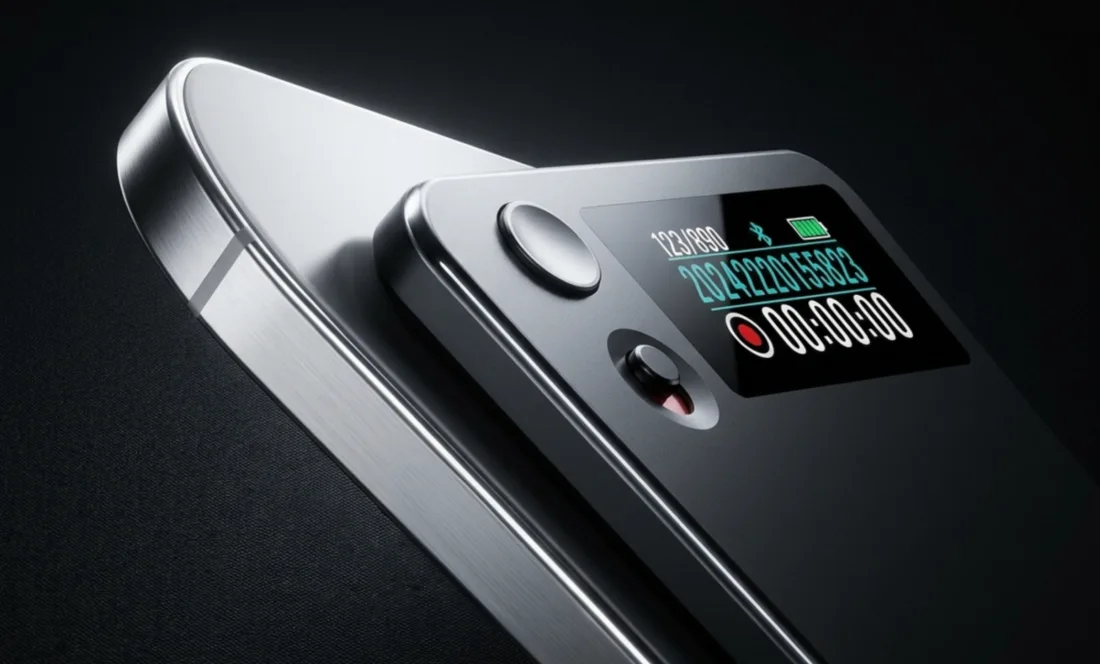
On the phone
Phone calls. Both sides.
The next step, the small detail, the buying signal. Keep both sides of the conversation.
Phone calls. Customer visits. Ideas on the move. Capture them all, then let Demodesk turn the conversation into action.
Attaches magnetically to the back of your phone. iPhone or Android.
Your voice and the person on the other end, stored on the device. No connection needed.
The call on the way to the car. The visit that ran long. The idea on the walk back. The recorder comes along for all of it.
On the phone
The next step, the small detail, the buying signal. Keep both sides of the conversation.


On the go
A client calls while you’re out, so give them your attention and keep the conversation for later. Or talk through an idea on the walk back and turn a quick voice note into your next action.

In person
Customer visits, team sessions, coffee catch-ups. Stay in the conversation, out of your notes.
Connect to the app. Upload your recording. Get summaries, transcripts, CRM updates, and coaching. The conversation moves forward. So does the work.
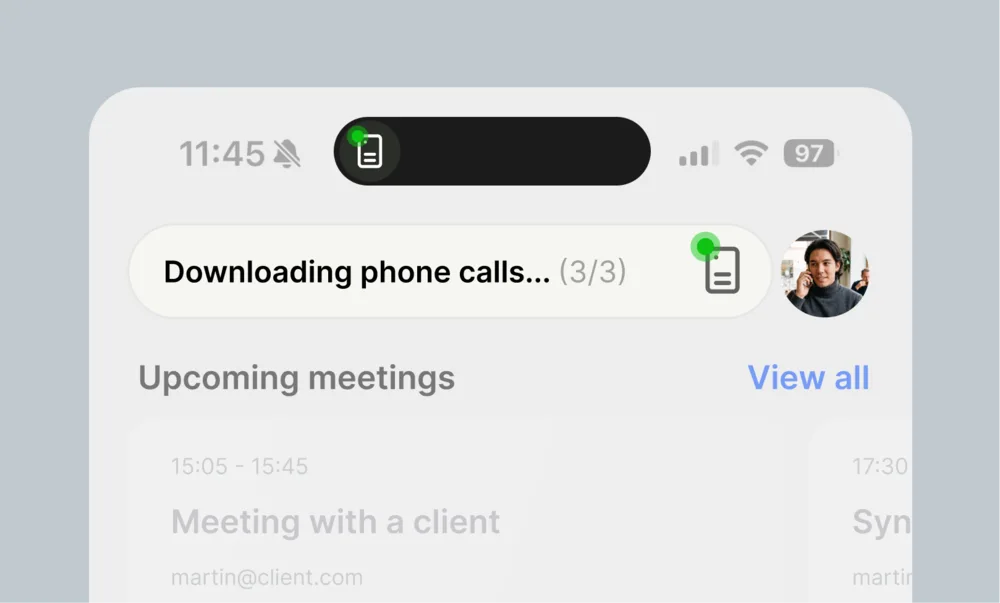
Open the Demodesk app and connect the recorder. Your recordings upload from there.
Call with Northwind
Today, 11:02 · 14 min
Summary
Budget is approved for the Q3 rollout. Their security team needs to sign off before contracts go out.
Next step: Send the security documentation by Friday
Email draft readyView coaching notes
Transcript, summary, next steps, CRM updates, and coaching. Waiting for you in Demodesk.
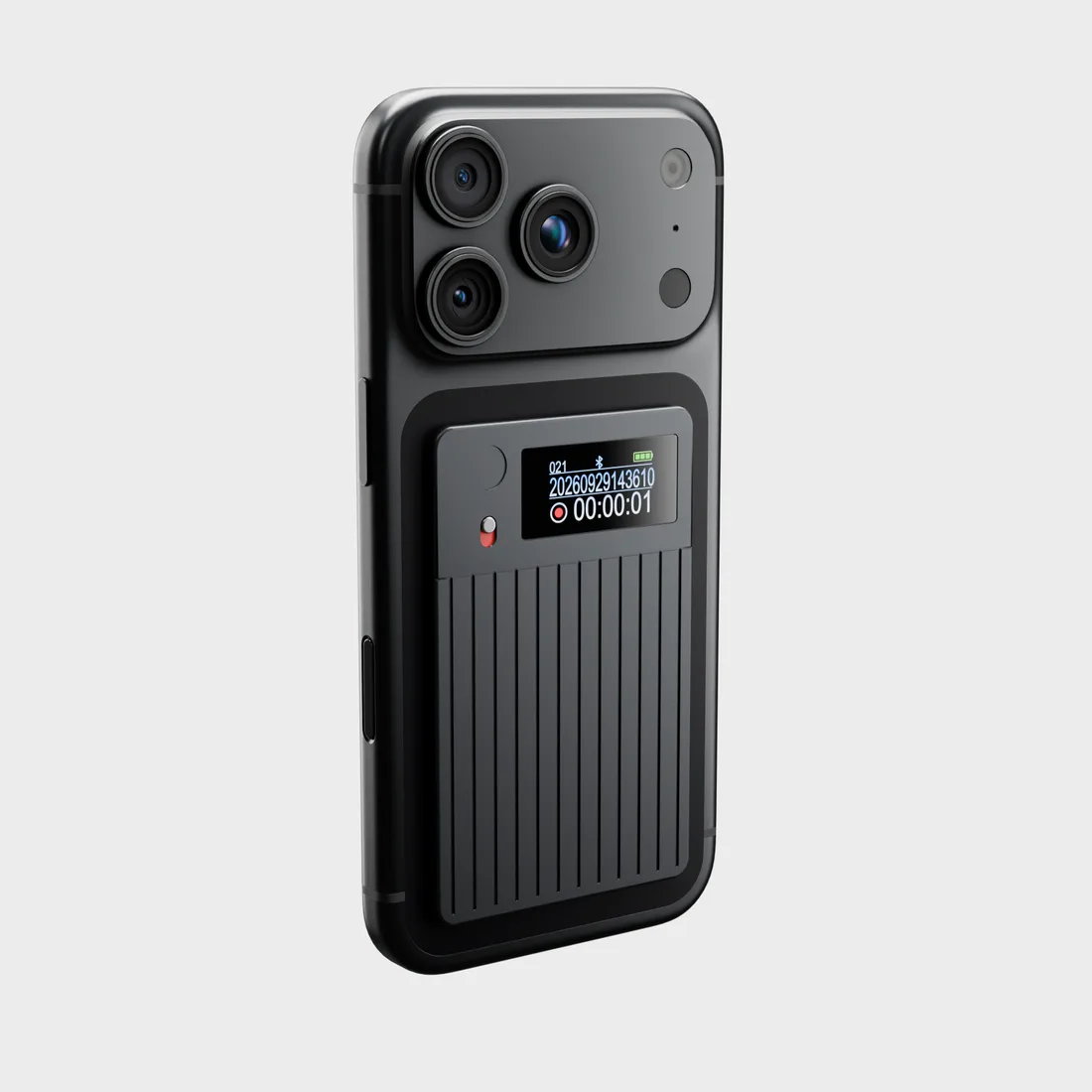
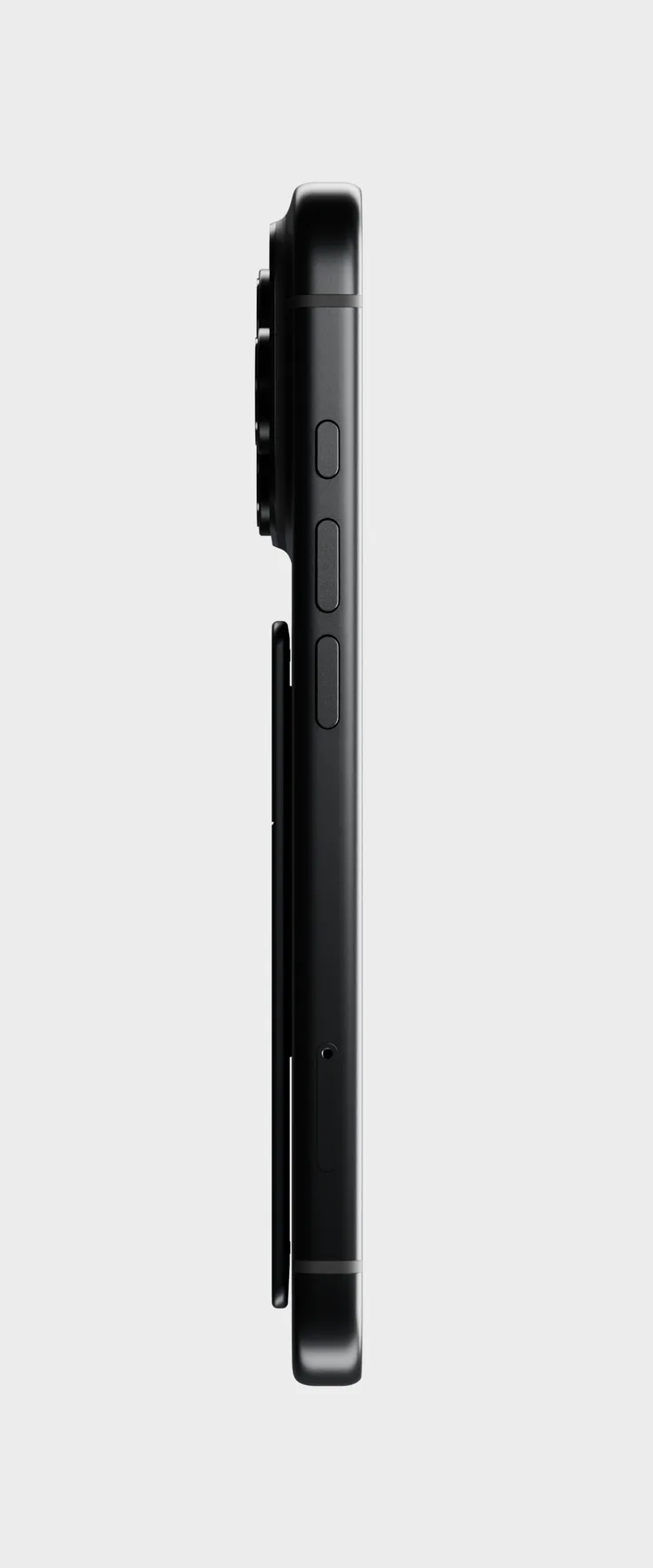
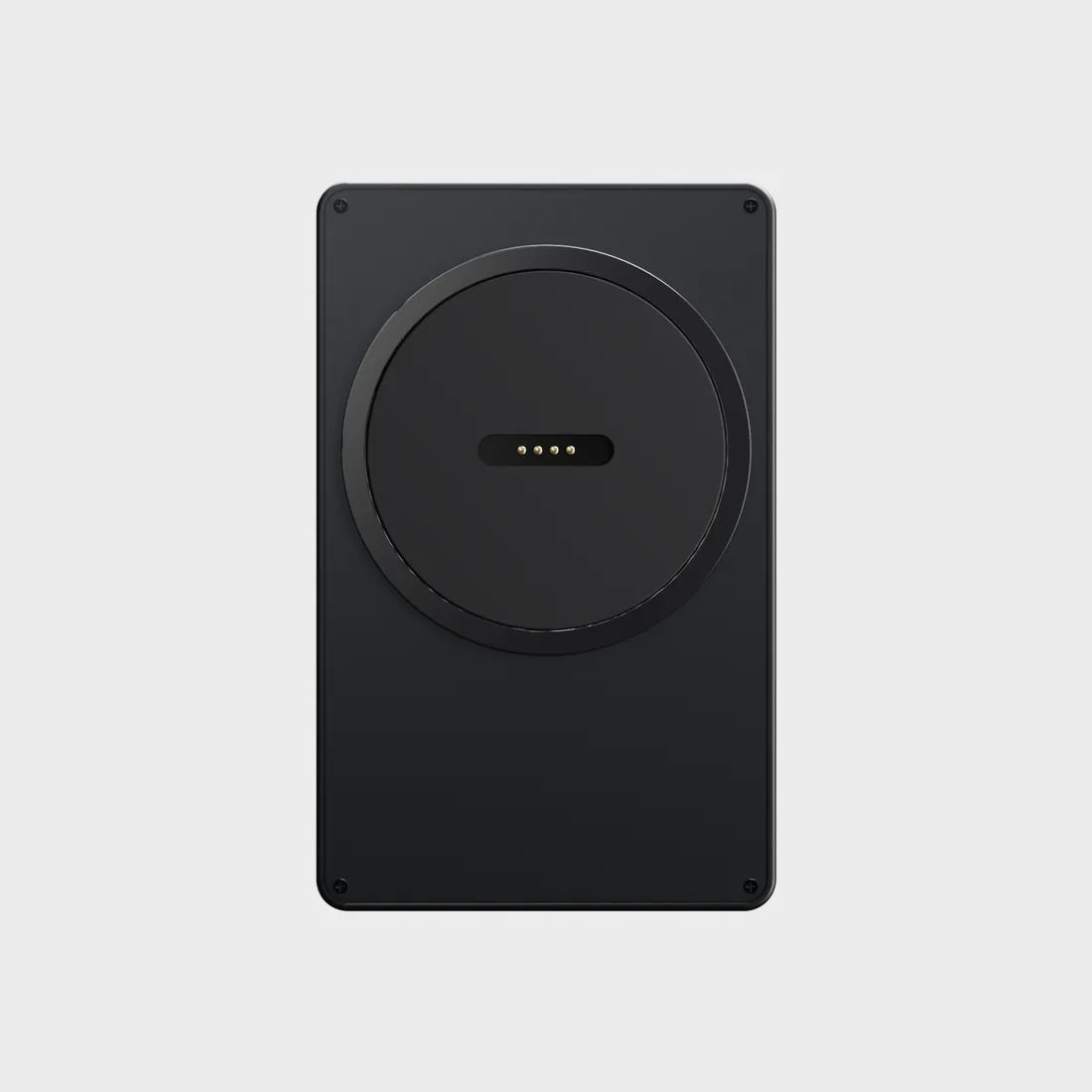
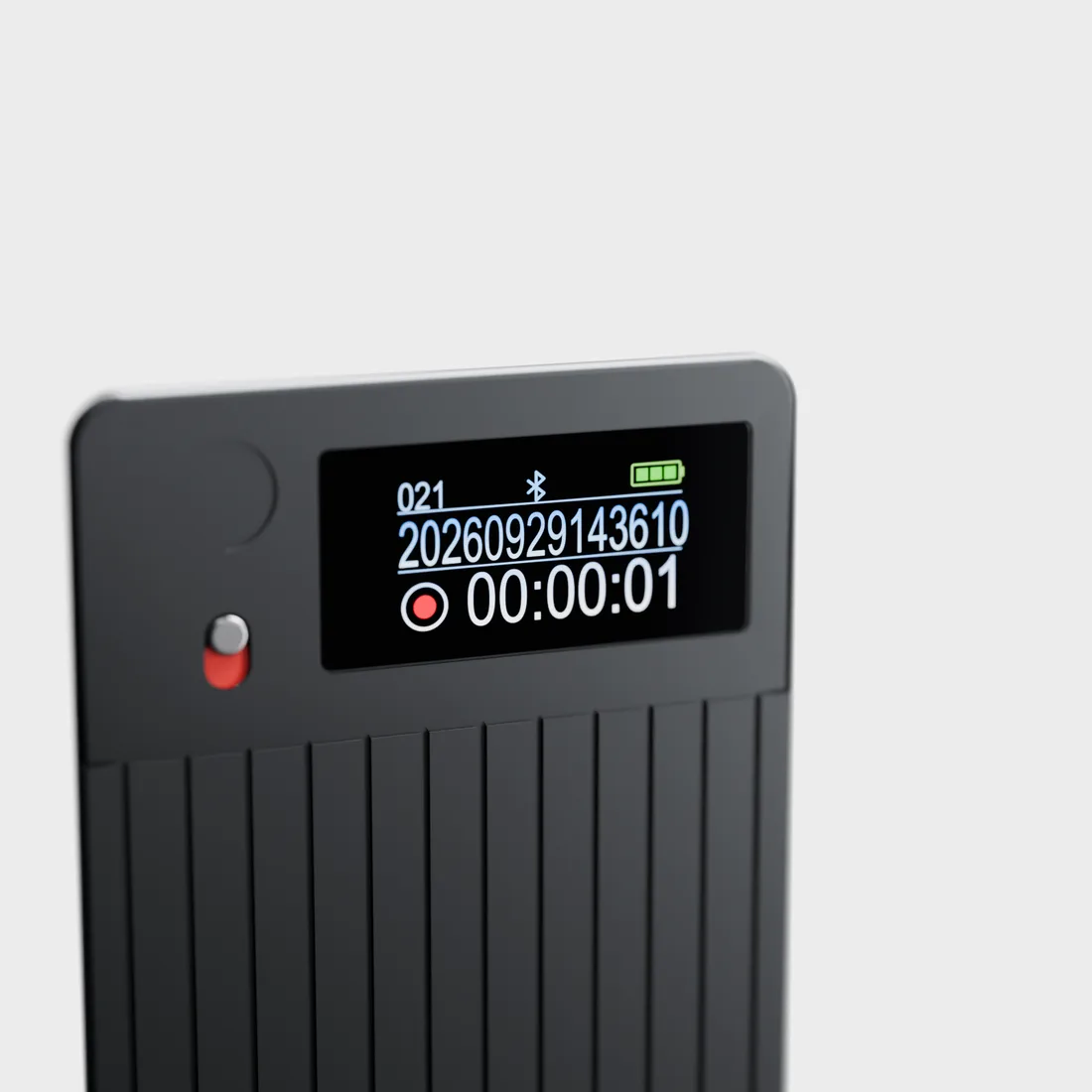
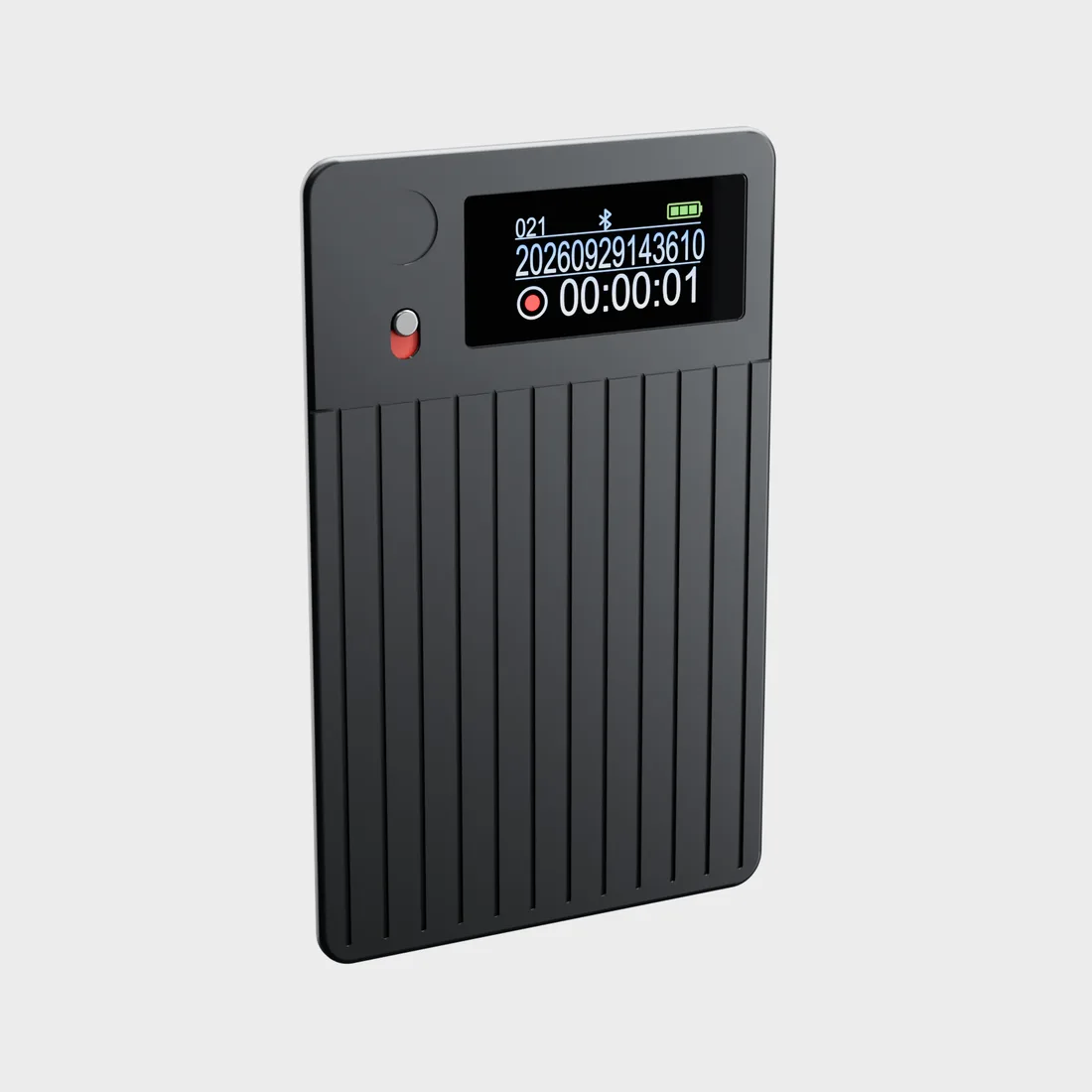
Your next sidekick. Coming soon.
Less note-taking. More being there. Join the waitlist for early access updates and be among the first to meet the Demodesk Recorder.
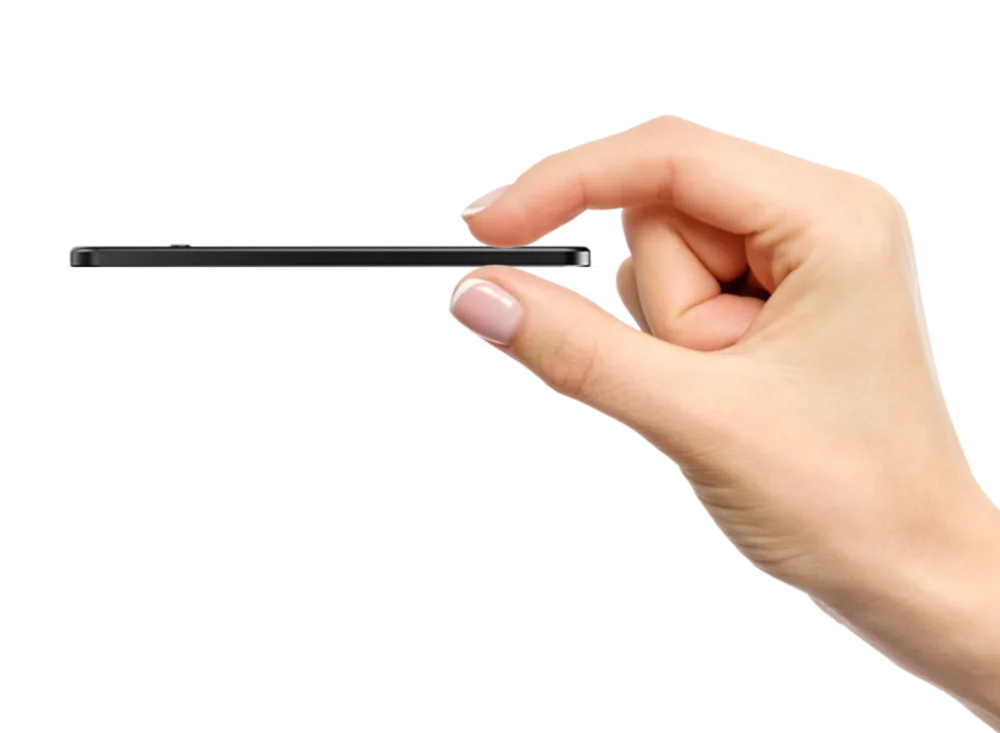 Small enough to come along.